Import without the detour
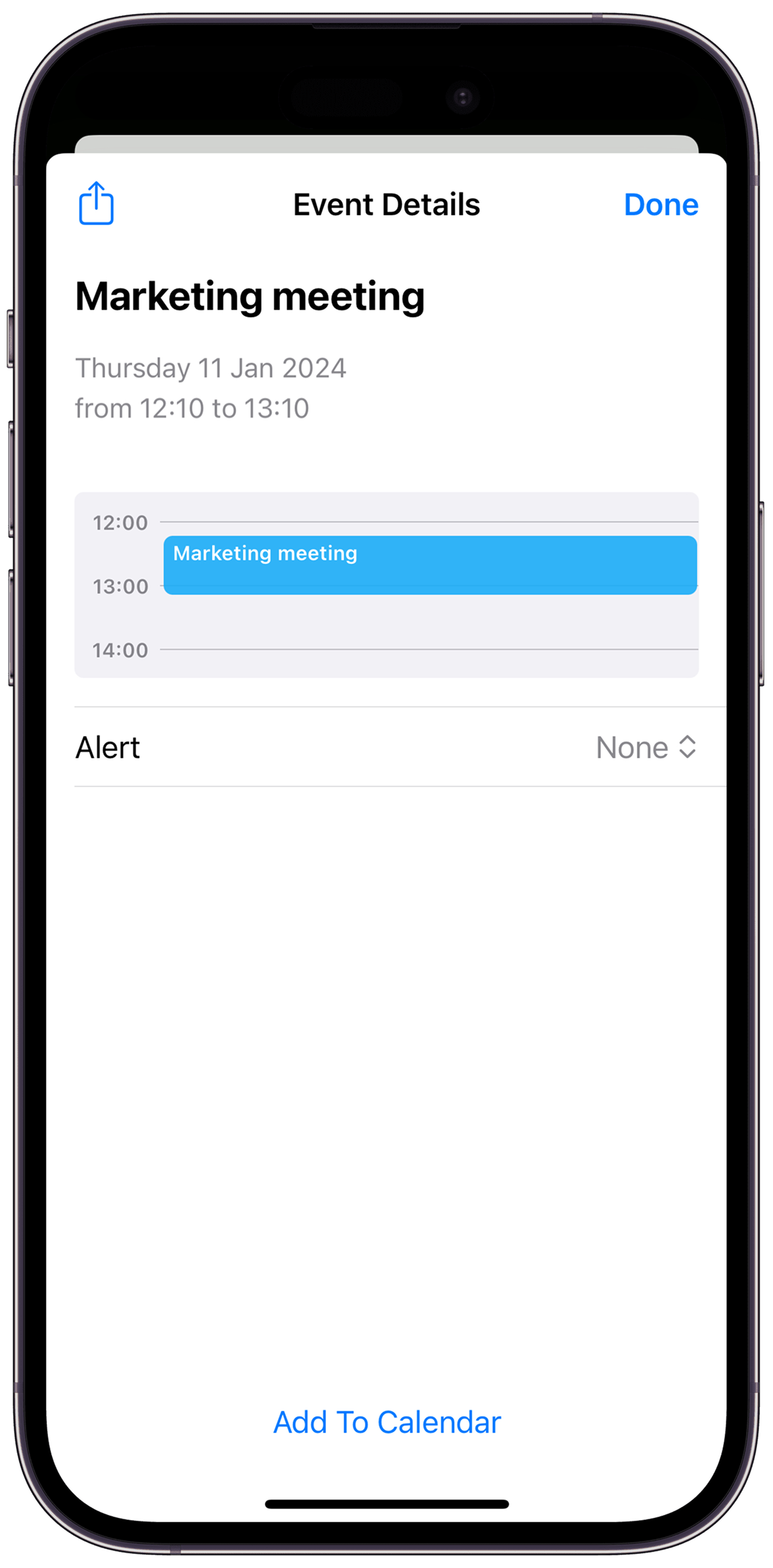
Pick an ICS file from Files and add its events to your iOS calendar.
ICSteam-schedule.ics12 calendar events
 ICSKitDownload
The missing .ics button for iPhone
Import calendar files without the workaround. ICSKit opens, edits and validates ICS files—then adds the events to your iPhone or iPad calendar.
Import .ics
Edit the details
Validate before adding
Create batch events
One small app. One stubborn problem solved.
From a single invite to a full semester schedule, ICSKit gives you a clear path from downloaded file to the calendar you actually use.
Pick an ICS file from Files and add its events to your iOS calendar.
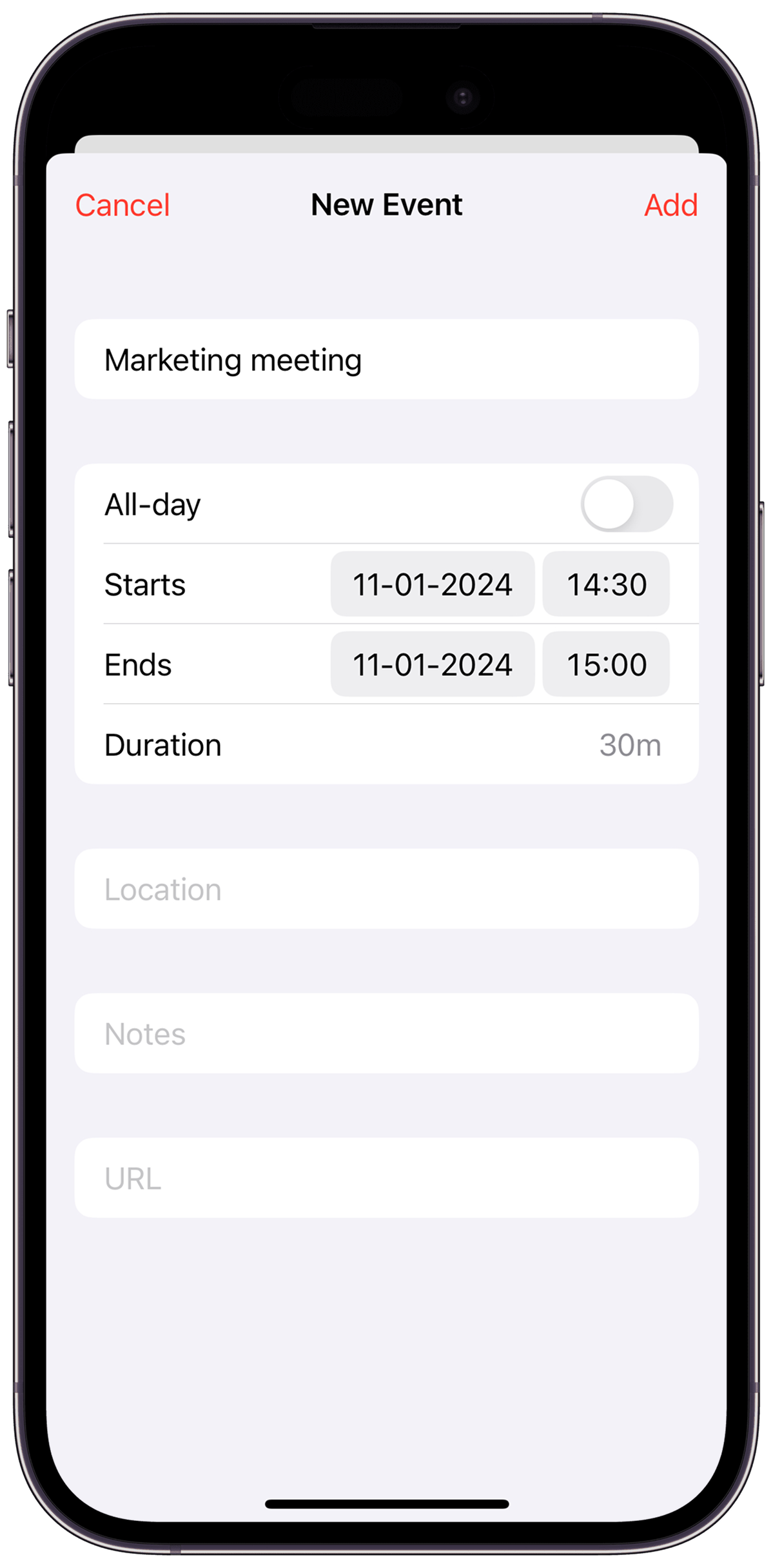
Edit ICS text and validate the file when formatting gets in the way.
Create multiple events together and export them as one shareable ICS file.
What you see is what you add
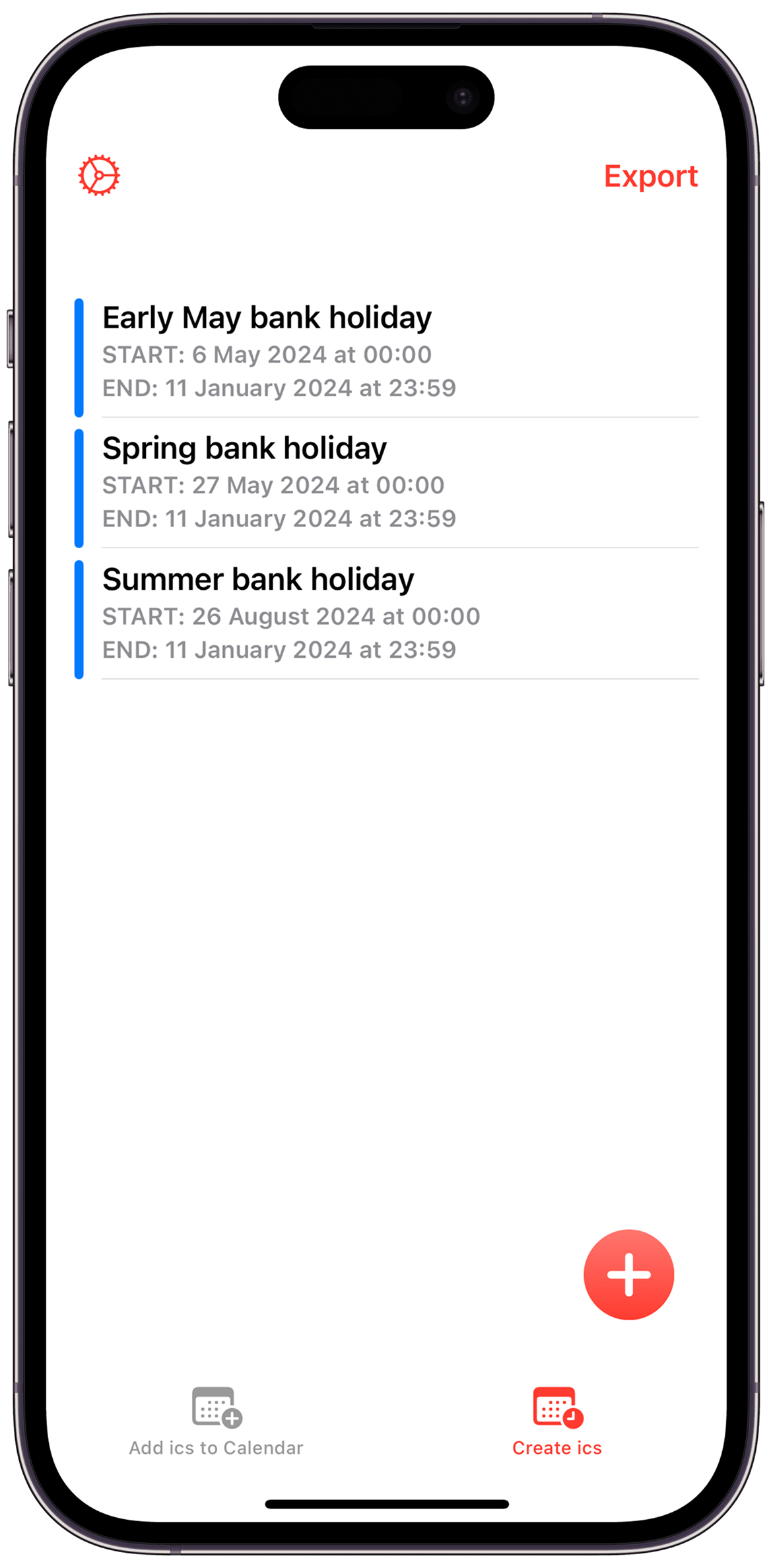
Download it from Safari, Mail, Gmail or another app and save it in Files.
Select the file and check the event information before it reaches your calendar.
Select the destination calendar and add the events—single invite or full batch.
Answers for the moment you get stuck
The quickest file-to-calendar route, including multi-event files.
Read the guide →OpenWhat to do when iOS shows a preview but no clear import action.
Read the guide →GmailSave the attachment, inspect it and add the events.
Read the guide →FixDiagnose common file, location and formatting problems.
Read the guide →BatchMove a schedule into iPhone Calendar without adding events one by one.
Read the guide →12 guidesStraight answers
Save the file to Files, open ICSKit, select the `.ics`, check the events, choose your calendar and add them. Learn more
The file may be in an app-specific folder, contain multiple events, or have formatting iOS cannot handle cleanly. Learn more
Yes. Download the attachment, save it to Files, then open it with ICSKit. Learn more
Yes. ICSKit supports ICS files with multiple events. Learn more
ICSKit can create and export batch event files and includes an ICS text editor. Learn more
The App Store listing says the app works completely offline and its privacy label says Data Not Collected. Learn more
Your next .ics file has somewhere to go
Open, check and add calendar files on iPhone or iPad with ICSKit.
